
In today’s fast-paced business environment, automation stands as a cornerstone for small and mid-sized enterprises aiming to enhance efficiency and streamline operations. Implementing an AI-powered automation system can seem daunting, but with the right guidance, an operations manager can successfully design, deploy, and monitor such a system without needing extensive technical expertise. This article provides a detailed step-by-step tutorial on achieving this, covering essential prerequisites, configuration steps, and follow-up processes.
The first step in designing AI-powered automation is to assess your business needs. Identify repetitive tasks that could benefit from automation, such as data entry, customer communications, or inventory management. Engage your team in this assessment phase. Gathering insight from those directly involved with the daily operations can highlight the most pressing pain points and opportunities for improvement. Make a list of potential tasks to automate and prioritize them based on time consumption and impact on overall productivity.
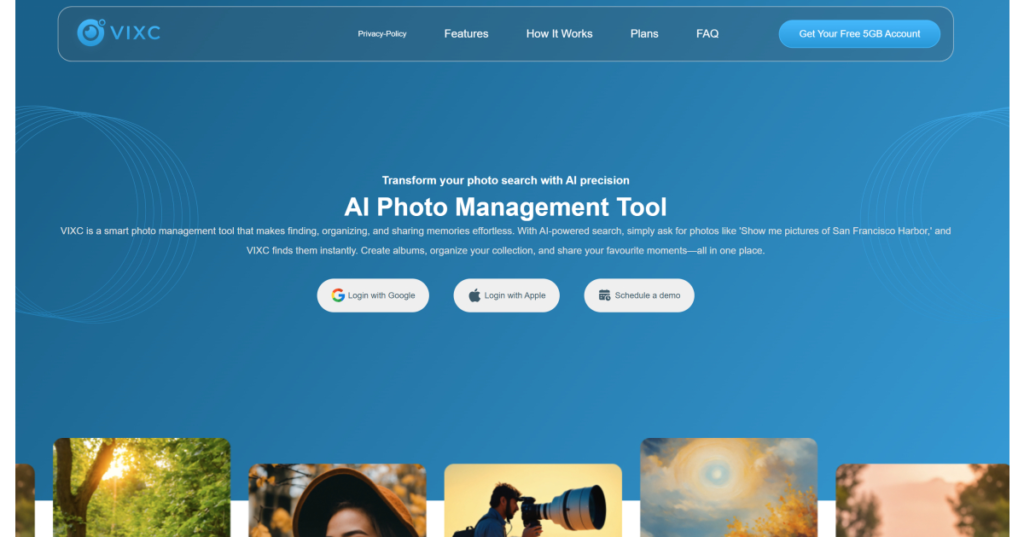
Next, gather the necessary prerequisites. Choose an automation platform that is user-friendly and well-suited for your business, such as ViXC. Verify that your team has access to the necessary cloud services and tools. For example, if your automation involves integrating with Google Drive or Dropbox, ensure that your organization already uses these platforms. You may also need to secure necessary permissions or licenses for any software you intend to use. Familiarize yourself with the platform’s capabilities, particularly its automation features designed for non-developers.
With your tools in place and your tasks identified, proceed to configure the automation. In most AI-powered platforms, this involves a drag-and-drop interface, akin to designing diagrams or workflows visually. Start by selecting your primary automation triggers. For instance, if you want to automate email responses to customer inquiries, your trigger could be “New Email Received.” Specify the conditions that must be met for the automation to execute, such as keywords or recipient addresses.
Once you have set the triggers, define the actions that should follow. If the automation involves creating a report based on customer inquiries, the subsequent action could involve collecting data from your email and inputting it into a designated Google Sheet. Enter example inputs into the system to test the automation flow. Running tests is crucial, as it helps ensure the intended actions are correctly executed.
After configuring the automation, monitor its performance continuously. Most automation platforms provide dashboards that track key metrics related to the automated process. These metrics might include the time saved on specific tasks, error rates, or user engagement levels. Regular monitoring allows you to make timely adjustments if you notice discrepancies or inefficiencies in the workflow.
Error handling is another critical component in deploying an automation system. Define specific protocols that the system should follow in case of errors or exceptions. For example, if an automated email doesn’t send correctly, you might want the system to log this error and alert a designated team member for manual intervention. Establish clear instructions for your staff to handle such issues, creating a bridge between automated and manual workflows.
Cost control should also remain at the forefront of your strategy. Evaluate the expenses associated with the automation platform, including subscription fees, training costs, and any indirect costs stemming from changes in workflow. Monitor the financial implications as operations scale. Assess ROI regularly by comparing savings gained from time reductions with the platform’s overall cost, thus ensuring that the automation delivers noteworthy financial benefits.
Security, data retention, and privacy are pivotal when deploying AI-powered automation systems. Develop an understanding of the security features offered by your chosen platform. Ensure it complies with regulations relevant to your industry to protect sensitive information. Regularly review data retention policies; decide how long certain data should be kept and establish parameters for secure deletion or archiving. Furthermore, remain vigilant about privacy concerns by implementing measures that limit access to sensitive data within your organization and ensuring compliance with applicable privacy laws.
Vendor lock-in is another aspect to consider carefully. Commit to platforms that allow interoperability with other tools to avoid challenges when scaling or changing platforms in the future. Conduct thorough research on the long-term viability of the vendor, evaluating their customer service and support options. This foresight will spare your organization unnecessary complications and costs down the line.
Lastly, ongoing maintenance must be part of your operational strategy. Schedule regular reviews of your automation processes. As your business evolves, so too will your automation needs. Collect feedback from team members who interact with the system, and be open to making iterative improvements. This proactive approach ensures that the AI-powered automation remains relevant and effective.
FlowMind AI Insight: Implementing an AI-powered automation system does not have to be a complex challenge for small and mid-sized businesses. By following these structured steps and prioritizing security and cost-efficiency, operations managers can significantly enhance productivity while fostering a culture of innovation and collaborative growth. The transformative potential of automation lies in its ability to not only streamline operations but also empower teams to focus on strategic tasks that drive long-term success.
Original article: Read here
2026-01-20 16:09:00