
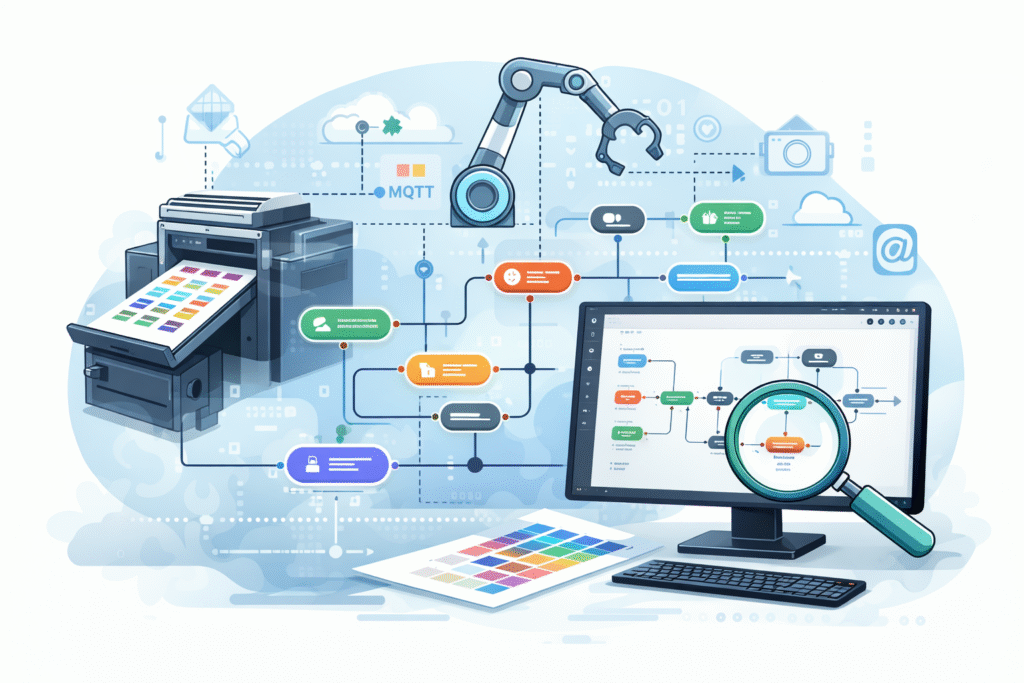
In today’s fast-paced business environment, small to mid-size operations are seeking ways to enhance efficiency and streamline workflows. With advancements in artificial intelligence, platforms like Fiery JobFlow Pro provide an excellent opportunity for organizations to automate their processes. This tutorial will guide operations managers through the steps to design, deploy, and monitor an AI-powered automation system tailored for a small or mid-sized business.
The first step in deploying an AI-powered automation system is to establish prerequisites. Ensure that you have a compatible printing environment and that your organization possesses the necessary hardware, including printers equipped with Fiery servers. You should also verify that your organization’s workflow processes are documented. Identifying all the potential sources of jobs, such as hot folders, email, or web-to-print systems, is crucial to successful integration.
After confirming prerequisites, the next step is configuration. Begin by accessing the Fiery JobFlow Pro platform. Utilize the drag-and-drop editor to create workflows that represent your print jobs accurately. For example, you may design a workflow that processes jobs received from a specific email address. You’ll need to define the conditions under which the workflow operates, such as job types or special handling instructions.
Once your workflows are established, proceed to test them. Start by inputting simple test jobs to verify that the system correctly identifies job types and settings. For instance, send a test print job with a specific barcode. The expected outcome should be that the system routes the job to the appropriate printer with the correct settings applied. Be sure to monitor the system’s responses and identify if there are any discrepancies.
Monitoring the system does not stop after setting it up. Regular checks on the performance of printers and workflows are essential. Use the built-in monitoring features of Fiery JobFlow Pro to track the status of print jobs in real time. Look for metrics like job completion rates, error frequencies, and turnaround times. Additionally, establish a routine for reviewing these metrics weekly to ensure that any potential issues are identified and addressed promptly.
Error handling is another critical element in managing your AI-assisted automation. Develop a protocol for dealing with common issues. For example, if a print job fails due to a missed setting, your protocol might dictate that the system automatically alerts operators through email notifications. Document these error-handling protocols so that all team members know how to respond swiftly to job disruptions.
As with any automation solution, cost control remains a critical consideration. Using Fiery JobFlow Pro requires subscription-based payments. To estimate your ROI, consider the costs associated with your current manual processes, including delays, labor hours, and materials wasted due to errors. Next, compare these costs with the expected savings from automation and increased throughput. This analysis can guide your financial decision-making regarding the investment in the platform.
Addressing security within an AI-powered automation system is paramount. Ensure that user access permissions are defined clearly, limiting access to sensitive information. Regularly update passwords and establish two-factor authentication for users accessing the Fiery JobFlow Pro platform. This helps protect your data against unauthorized access.
Data retention policies are also crucial. Define how long you retain job data and operator logs electronically. Compliance with applicable regulations regarding data storage is a necessity. Consult legal resources to ensure that your data handling practices meet necessary security standards, particularly concerning customer data.
Privacy is a significant concern in any digital environment. When utilizing any AI-driven platform, you must guarantee that data collected throughout the job processing lifecycle is anonymized wherever possible. This practice reduces privacy risks associated with personally identifiable information being compromised in an automated workflow.
Vendor lock-in can present challenges when relying on proprietary platforms like Fiery JobFlow Pro. To mitigate this risk, regularly evaluate your business needs and maintain documentation of your workflow configurations. Should it become necessary to switch vendors, having this information readily available will ease the transition process.
Ongoing maintenance is another essential aspect to consider. Training personnel on the effective use of the Fiery JobFlow Pro platform should be a priority. Regularly schedule training sessions to ensure that your team is comfortable with updates and new features as they become available. Maintaining an efficient support channel will facilitate quick resolutions to any platform issues that arise.
In conclusion, implementing an AI-powered automation system such as Fiery JobFlow Pro can significantly optimize production workflows for small and mid-sized businesses. By following these steps around configuration, monitoring, error handling, and cost control, an operations manager can successfully harness the power of AI in their workflow.
FlowMind AI Insight: Embracing AI-assisted automation not only enhances productivity but also equips businesses with the tools to adapt to the ever-evolving landscape of print production, offering long-term benefits as they grow.
Original article: Read here
2026-02-04 09:59:00