
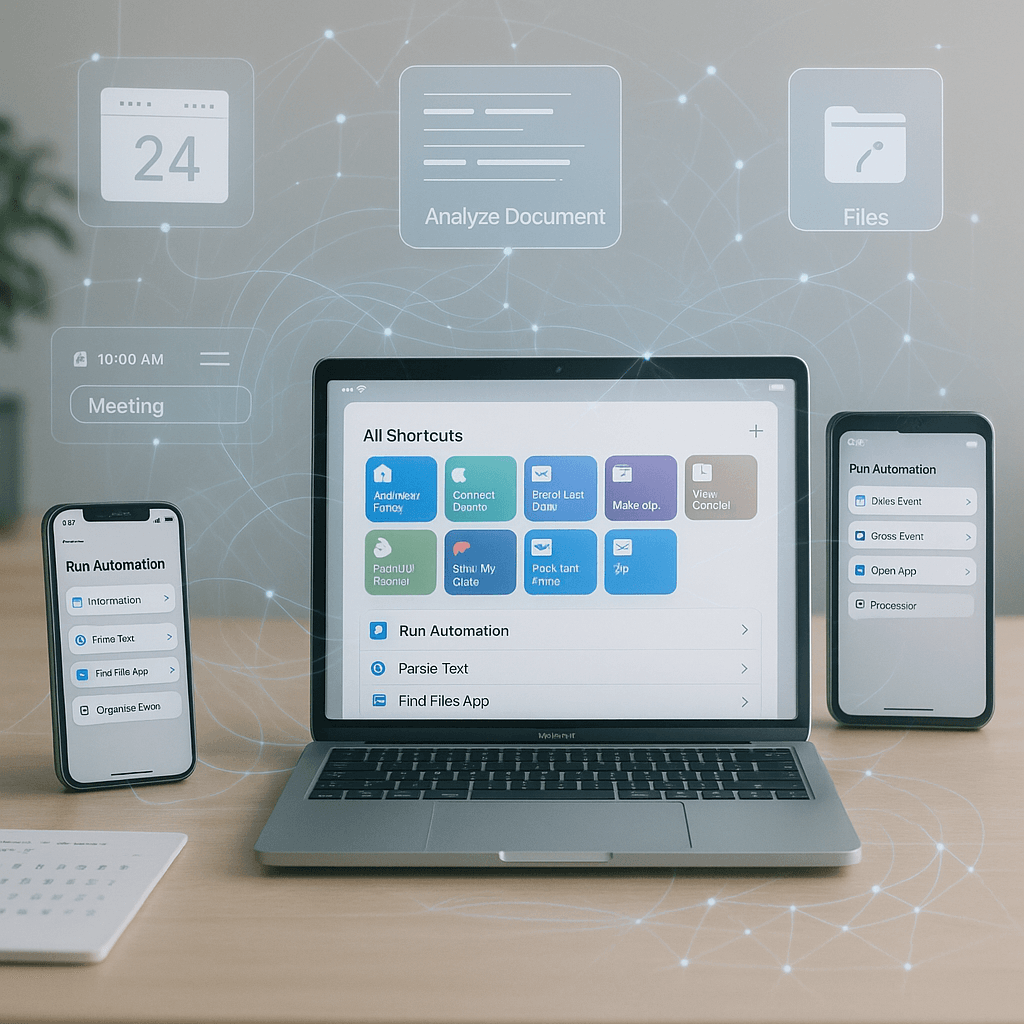
Integrating AI-powered automation into a small or mid-sized business can dramatically increase productivity and streamline operations. This step-by-step tutorial will guide you through designing, deploying, and monitoring an AI-powered automation using Apple’s Shortcuts app with the new Apple Intelligence features. You don’t need a background in development to implement this; the focus will be on practical tasks.
Before starting, ensure you have the necessary tools and resources. You’ll need a Mac running macOS 26 or later, access to the Shortcuts app, and some understanding of the organizational workflow you’d like to automate. In this tutorial, we will automate the process of extracting calendar events from emails and messages.
Begin by conceptualizing the workflow you want to automate. For example, you might want an automation that reads emails and extracts event details like the meeting title, date, and time. Write down the unstructured inputs you expect from your emails and outline how the output should appear in your calendar.
Now, open the Shortcuts app and explore the actions available under the new Apple Intelligence features. First, create a new shortcut by clicking the “+” icon. You will start by adding an action to receive input. Use “Get Clipboard” if you want to extract information from the clipboard or “Get Text from Input” to use messages directly.
Next, you’ll want to parse the information. Search for the “Use Model” action in the Shortcuts app. Here, you can select the AI model that best fits your needs. For instance, if you choose the offline model, the automation will handle your data privately, which is crucial for security and privacy.
Configuring the AI-powered actions comes next. You can add actions for proofreading or summarizing the text and then extract specific event details from the parsed information. For example, you might want to search for keywords like “meeting” or “appointment” to identify relevant messages. Ideally, the completed automation will produce a structured output containing the event’s title, date, and location.
Once your workflow is set up, it’s time to test it. Trigger the automation by copying an email or message to the clipboard with relevant event details. Monitor how the AI processes this data and populates it into a draft calendar event. This testing phase is crucial to ensure that your workflow is functioning as expected. Adjust the model parameters and refine your parsing criteria as needed.
Monitoring the automation’s performance will help you catch any errors or inefficiencies. Set up notifications to alert you when an event fails to populate correctly. Shortcuts can be scheduled to run at specified intervals, allowing for continuous monitoring without manual intervention. This feature, along with easy-to-read logs, should help you identify problems quickly.
Understanding cost control is essential, especially regarding AI dependability. Apple’s integration of AI within Shortcuts typically does not incur additional costs beyond your device usage. However, be aware of any potential costs associated with data privacy, cloud storage, or external services. Discussing budget and needs with your finance department can set realistic expectations for ongoing investments.
Now let’s address some key considerations. Data security and privacy are paramount when dealing with automated processes. Ensure that any sensitive information from your emails is handled responsibly. With Apple’s offline model, your data does not leave your device, significantly reducing privacy risks. Ensure you follow your company’s data retention policies.
Vendor lock-in is another aspect to consider. Many organizations hesitate to adopt automation out of fear that they will become too reliant on a single vendor. To mitigate this risk, explore alternative models or automation tools that can integrate into current workflows. Keep options open for the future should you need to shift systems.
Estimating return on investment (ROI) involves analyzing time saved against the cost of effort in setting up automation. For example, if your automation saves an employee an hour each week, multiply that time by their hourly wage to see how much your business could save annually. Document this analysis as a feature of your business case.
Maintenance will be necessary to ensure ongoing effectiveness. Continually assess the performance of your workflow and gather user feedback for improvements. Set aside time for regular reviews, and stay updated with any new features or updates to the Apple Intelligence framework.
FlowMind AI Insight: By leveraging AI-powered automation tools like Apple’s Shortcuts, small and mid-sized businesses can unlock a significant productivity advantage while safeguarding security and compliance. This approach not only enhances operational efficiency but also fosters a data-driven culture of continuous improvement within day-to-day activities.
Original article: Read here
2025-11-21 12:10:00