
In the rapidly evolving landscape of business automation, Google Workspace Studio presents a powerful tool for small to mid-size businesses. This step-by-step tutorial aims to equip operations managers with the knowledge to design, deploy, and monitor AI-powered automation within their organizations. By following these instructions, you’ll streamline routine processes, thereby increasing efficiency and reducing operational costs.
Before diving into the setup, ensure you meet a few prerequisites. First, assess that your organization has an active Google Workspace account with the appropriate tier that supports Workspace Studio. Familiarize yourself with basic Google Workspace applications like Gmail, Drive, and Chat, as integration will be essential. Identifying a business process that can benefit from automation, such as email triage or project management tasks, will also be crucial for practical application.
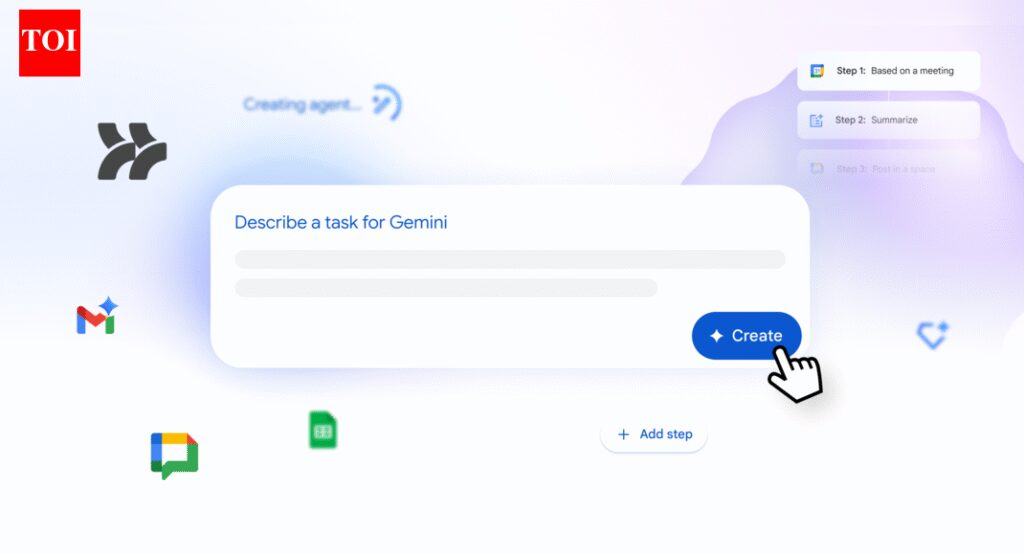
To get started, navigate to Google Workspace Studio within your account. The interface is user-friendly, specifically designed for non-technical users. Begin the configuration process by selecting the “Create Agent” option. Here, you’ll input commands using natural language prompts. For instance, you may say, “Create an agent to automatically sort emails based on priority.” The system relies on the multilingual capabilities of the underlying AI engine to understand your requirements without necessitating any coding knowledge.
Once the agent is created, configure it to perform specific tasks by providing example inputs. If your automation focuses on managing project timelines, set parameters such as deadlines or task priorities. The agent should be able to interpret context and adapt to new inputs over time. After providing these details, save the configuration, ensuring all agents are active and ready for deployment.
Testing is a crucial step before rolling out the automation across your organization. Start in a controlled environment with a small group of users. Monitor how the agents perform in real-time under various scenarios. For example, if the agent is responsible for handling calendar logistics, simulate several scheduling requests and observe if it can efficiently navigate conflicts. Regular monitoring allows you to identify potential errors and fine-tune the agent’s capabilities.
Once satisfied with your testing outcomes, it’s time to deploy your automation. Share the agent with relevant team members—just as you would share files via Google Drive. Train your team on how to interact with the agent, outlining expected behaviors and functionalities. Encourage feedback on performance to enhance user experience continually.
Monitoring the effectiveness of your AI-powered automation is ongoing. Google Workspace Studio provides analytical tools to track performance metrics, enabling you to evaluate the efficiency of your automation. By assessing key performance indicators (KPIs) relevant to your business processes, you can identify areas of improvement. Regular checks offer insight into task completion rates, time saved, and employee satisfaction, contributing to better decision-making.
When implementing any automation initiative, consider the importance of security. Google Workspace adheres to high-security standards, but it’s crucial to establish additional layers of protection. Implement access controls and ensure sensitive information handled by agents remains secure. Review privacy policies relevant to data processing and retention; users should understand how their data is stored and utilized.
Vendor lock-in is another essential consideration. While Google Workspace Studio offers robust automation capabilities, evaluate how dependent your business may become on a single vendor. Diversifying your technological stack can mitigate risks associated with vendor lock-in and provide flexibility in the long run. Consider alternative solutions or backup processes to maintain operational continuity.
Estimating return on investment (ROI) requires a thoughtful approach. Begin by calculating the costs associated with developing and maintaining your automation within Workspace Studio. Next, analyze the time saved across employees—this often translates into cost savings and enhanced productivity. Develop benchmarks for efficiency improvements and continually evaluate against these standards for future assessments.
Ongoing maintenance is essential for maximizing the effectiveness of your automation. Set a schedule for periodic reviews and updates of your agents. As business processes evolve, so too should your automation capabilities. Keep training programs in place for employees, ensuring they understand how to make the most of AI-powered tools.
FlowMind AI Insight: As organizations strive for greater efficiency through AI-powered automation, Google Workspace Studio offers a robust solution, facilitating user-friendly design and deployment without the need for coding expertise. With careful attention to security, vendor independence, ROI estimation, and ongoing maintenance, businesses can leverage automation to transform their operational processes effectively.
Original article: Read here
2025-12-04 06:20:00