
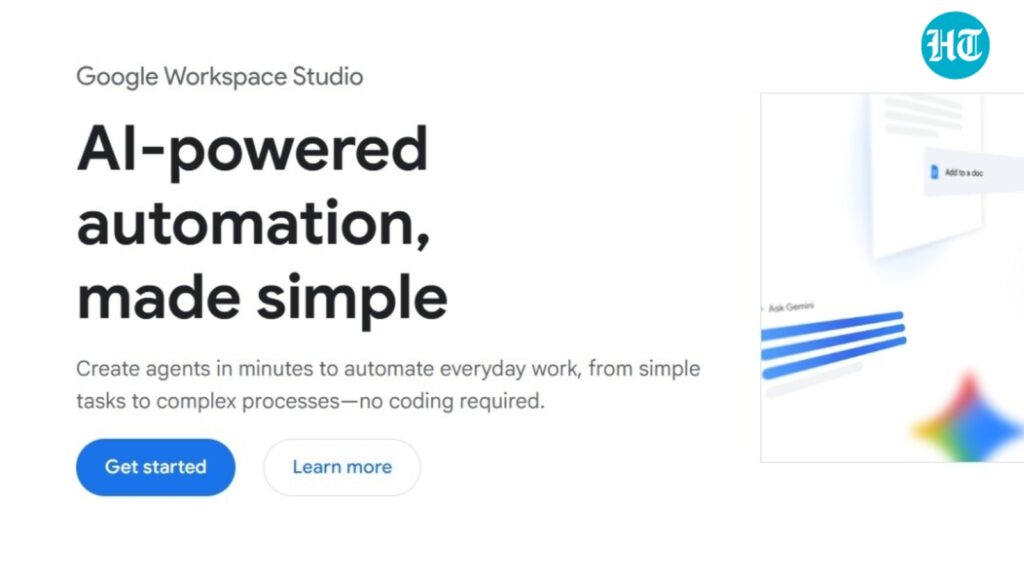
With the launch of Google Workspace Studio, small and mid-sized businesses can streamline their daily tasks through customized AI-powered automation. This tool simplifies workflows, enabling non-developer operational managers to create and deploy AI agents without complex coding. This comprehensive guide walks you through the design, deployment, and monitoring of AI automation using Google Workspace Studio, ensuring a practical approach for effective implementation.
To begin, it’s essential to identify the tasks you want to automate. This could include managing emails, scheduling meetings, or data entry. Engage your team to gather inputs on repetitive processes that consume significant time. Once you have selected a task, ensure you have access to a Google Workspace account, as Workspace Studio is integrated into major Workspace apps like Gmail, Google Calendar, and Google Drive.
Once you’ve established the prerequisites, the next step is to open the Google Workspace Studio dashboard at studio.workspace.google.com. Familiarize yourself with the interface; this is where you will create and manage your AI agents. The design phase involves configuring your AI agent’s commands. Use natural language to describe the job you want the agent to perform. For instance, if you want an agent to sort emails, you might input, “Organize emails from clients into a folder called ‘Client Correspondence’.” The AI agent will utilize Google’s Gemini 3 AI module to recognize your request and take appropriate action.
After designing your AI agent, it’s time to deploy it. Navigate to the deployment options in the dashboard, where you can activate your agent. Ensure you test the agent in a controlled environment first. For example, you could send a few test emails to see how the agent manages sorting. Expect it to automatically categorize incoming emails as instructed. Confirm that the automation behaves as anticipated before scaling it up for daily use.
Monitoring is crucial for ongoing effectiveness. Use the dashboard’s analytics tools to track the agent’s performance. You should routinely check how many tasks have been automated, response times, and any potential errors. An effective approach is to set up alerts for when the agent encounters issues, allowing for swift resolution. This not only helps in maintaining the agent’s performance but also in identifying any necessary adjustments to improve efficiency.
Error handling is another critical consideration. Should the agent fail to sort emails as expected, you can review the history of commands and adjustments made within the dashboard. Investigate and modify the initial setup to enhance accuracy. Additionally, documenting these errors can provide valuable insights into possible issues and inform future automation processes.
Cost control is paramount, especially for small and mid-sized businesses. Google Workspace Studio does not have a separate fee, as it is part of the existing Google Workspace subscription. Nevertheless, ensure that the use of AI features aligns with your overall budget. Regularly evaluate the time savings generated by the automation against your operational costs to determine the return on investment (ROI). You should consider not just the direct savings from reduced labor hours but also the potential for increased productivity and workforce satisfaction.
When implementing AI agents, security and data privacy must be a priority. Familiarize yourself with Google’s data retention policies and ensure that your team complies with applicable regulations. Avoid sharing sensitive information with the AI, as user data should remain confidential. It’s also essential to understand vendor lock-in potential, as relying heavily on Google’s infrastructure might limit flexibility to switch tools in the future. Maintain a clear documentation process to safeguard your data and ensure that your organization is ready to adapt.
Estimating ROI for automating workflows can be straightforward. Start with baseline metrics for the task you’re automating. Calculate how much time it currently takes and what the cost of employee hours is. Once the AI agent is operational, track the time savings and compare it to the baseline. Be sure to account for employee satisfaction and productivity, as reduced mundane tasks can lead to a more engaged workforce.
Ongoing maintenance of your AI agents is essential for sustained performance. Regularly revisit the commands and features of Google Workspace Studio. As your business grows and evolves, the tasks you automate may change, requiring you to adjust the AI agents accordingly. Establish a routine for revisiting automation metrics and performance reports, ensuring that the system stays aligned with organizational goals.
FlowMind AI Insight: Implementing AI-powered automation through Google Workspace Studio is not only a step towards efficiency but also an investment in the future of your business. By carefully designing, deploying, and monitoring your AI agents, while considering factors like security, compliance, and ROI, you can effectively transform your operational workflows and enhance productivity.
Original article: Read here
2025-12-05 11:07:00